One Image, Seven Days: Turning Your Lock Screen Into a Small Exhibition
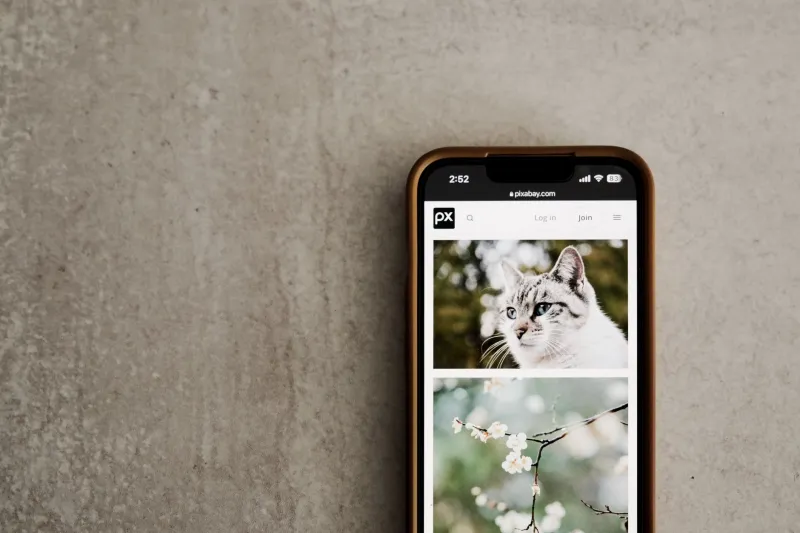
Your lock screen is the most-viewed image in your life. It is also, for most of us, an accident: a photo from a vacation, a default gradient, a picture of a dog that was cute in 2023 and is now just the wallpaper behind the clock. We treat it like background. But it is the first thing we see dozens of times a day, and the last thing we see before we put the phone down.
This week, try treating it like a one-image exhibition. Not a rotating photo dump. Not a folder of favorites shuffling through your attention. One image, chosen on purpose, on view for seven days. The whole setup takes about ten minutes. The noticing takes the rest of the week.
First, Audit the Frame You Already Have
Before you change anything, look at your current lock screen for ten seconds. Actually look at it. Notice the clock, the notifications, the widgets, the little icons. Notice how much of the image is visible and how much is covered. Ask yourself a simple question: if this were a poster in a gallery, would I stop?
The answer is often no, and that is not a moral failure. Most lock screens are chosen for convenience, not composition. A photo of your kids is lovely, but cropped behind a time stamp and three message previews, it becomes visual noise. A landscape from a trip is beautiful, but if it is too busy, it competes with the thing you are trying to do: check the time, unlock the phone, move on.
Choose One Image, Not Five
The experiment works because of constraint. Pick a single image and commit to it for a week. That means no shuffle, no daily rotation, no swapping in a new picture because you got bored on Wednesday. The point is to live with the frame.
A few practical filters can help. First, choose an image that has a clear mood. Calm, bright, funny, spacious, nostalgic. You do not need to name it, but you should feel it. Second, choose something that survives repetition. A joke photo can be funny for a day and exhausting by Friday. A high-contrast travel shot can feel energizing at first and then loud. Third, think about the clock. Your lock screen is not just an image; it is an image with text on top. Choose a picture with a quiet area where the time and notifications can sit.
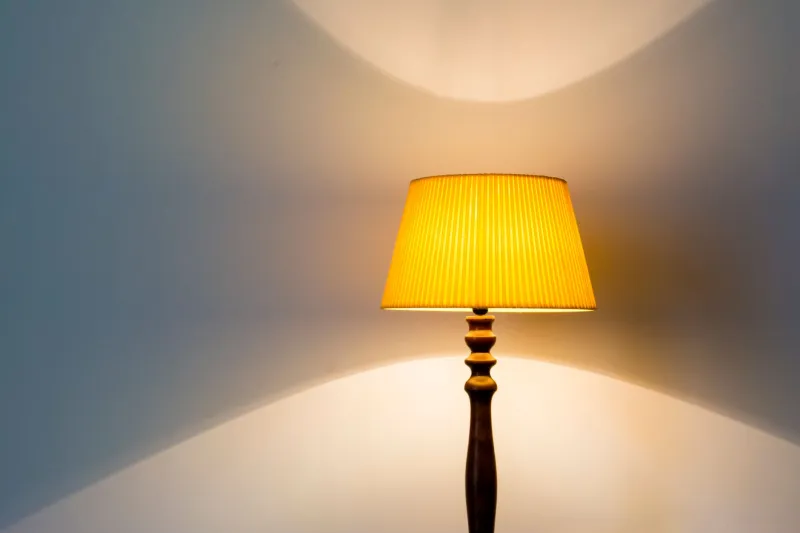
If you are stuck, steal from design. A single object on a plain background. A shadow on a wall. A corner of a room you actually like. A plant. A window. A color field. Something with enough detail to reward a second look but not so much that it becomes a puzzle every time you check a text.
The Ten-Minute Setup
Here is the whole experiment, start to finish. Set a timer for ten minutes. Open your photos and choose three candidates. Do not scroll for twenty minutes; three is enough. Look at each one cropped to your phone’s aspect ratio. Pick the one that makes you exhale slightly. Set it as your lock screen. Turn off any shuffle or depth effect that makes the image move around. If your phone lets you dim the wallpaper behind notifications, consider it. Then put the phone down.
That is it. The setup is not the experiment. The week is.
The Week-Long Hang
Day one is easy. You will notice the new image because it is new. Day three is where the interesting part starts. You may feel a small itch to change it. That itch is worth noticing. Is the image too busy? Too sad? Too generic? Does it make you feel organized or scattered? Does it feel like you, or like a version of you who has more time to hike?
By day five, something else happens. You start seeing details you missed: the texture of the wall, the shape of the shadow, the way the light falls in one corner. Repetition is not failure. It is how a frame becomes familiar. A painting in a room works the same way. You do not need a new painting every morning. You need enough time to actually see the one you have.
This is the quiet design lesson. Attention is not built by novelty. It is built by return. A lock screen is a tiny daily return: you reach for the phone, you see the same image, you make a small judgment about your mood, and you move on. Over a week, that repetition can turn a background into a small grounded moment.
What Mood Is Waiting for You?
The most useful question is not What looks best? It is What do I want to feel when I pick up my phone? For some people, the answer is calm. A soft landscape, a neutral interior, a single flower. For others, it is energy. A bright color, a bold graphic, a photo from a trip that reminds them there is a world outside the inbox. For others, it is humor. A ridiculous picture of their dog. A screenshot of a friend’s terrible joke.
None of these is more sophisticated than the others. The point is deliberation. A lock screen is a threshold, not a destination. It is the half-second before you enter the rest of your phone. You might as well choose what waits there.
A Small Closing Reception
After seven days, sit with the image one more time. Ask yourself three questions. Did I still like it? Did I see it, or did I stop seeing it? Do I want another week, or is it time to rotate?
Any answer is fine. The experiment is not about finding the perfect wallpaper. It is about breaking the accidental habit of letting the most-viewed image in your life be an afterthought. Keep it for another week if it still works. Retire it if it does not. Choose the next one on purpose.
Ten minutes to set up. Seven days to look. One small frame, doing more than you expected.